Internet Speed Twitter Complaint Bot
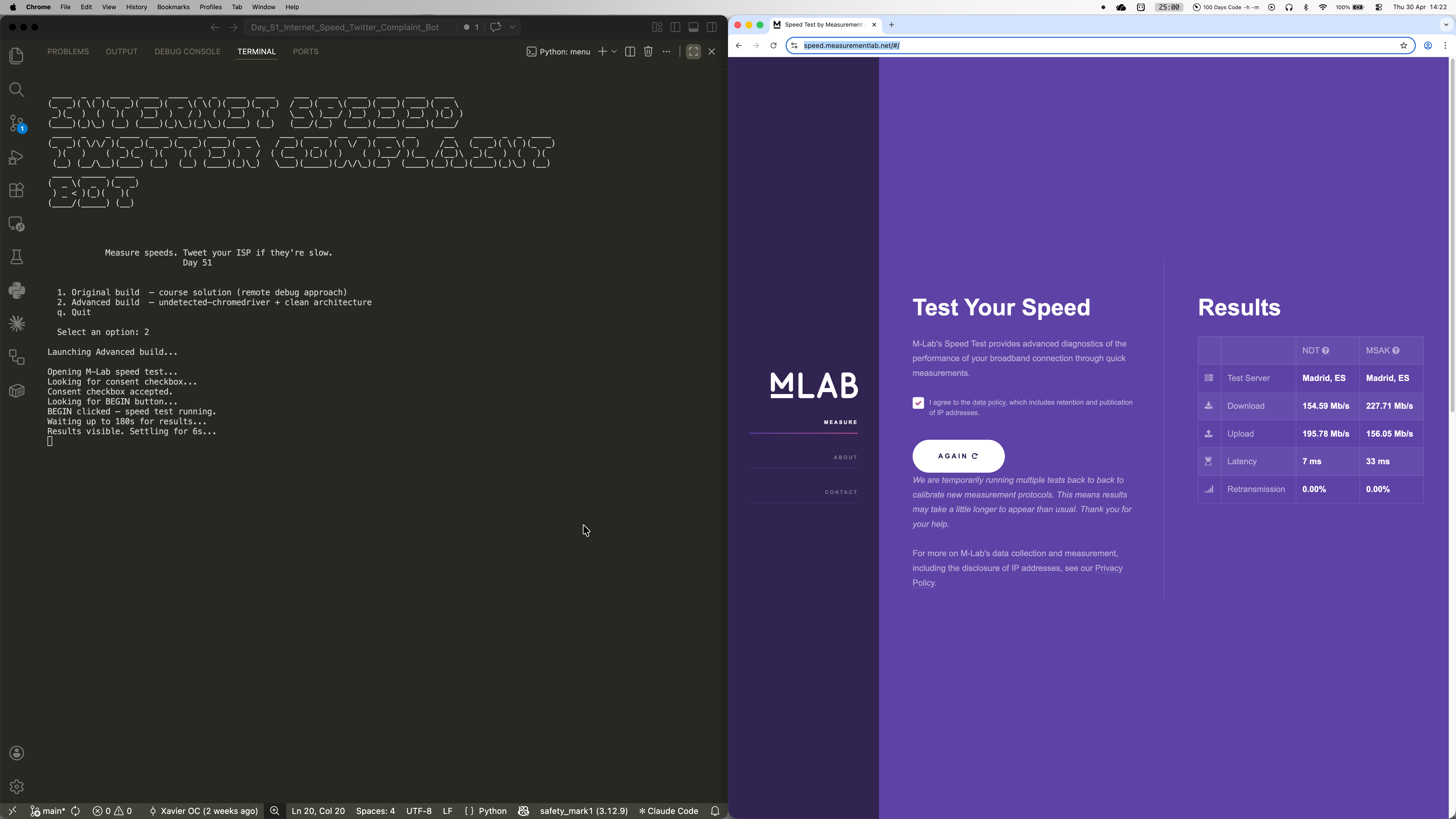
Ever feel like your internet is slower than what you're actually paying for? This bot does something about it. It opens M-Lab's NDT7 speed test in a real Chrome browser, waits for the download and upload results, and fires off a tweet at your ISP if the numbers fall below your contracted speeds. Built as Day 51 of the 100 Days of Code bootcamp, it ships in two versions: the original course solution using Chrome remote debugging, and a cleaner advanced build with separated modules and undetected-chromedriver for seamless repeat runs.
Quick Facts
Overview
Problem
ISPs routinely advertise headline speeds they don't consistently deliver, but most people never bother complaining because the process is genuinely tedious. You have to run a speed test, note the results, open Twitter, write a coherent tweet, and send it -- and that's assuming you even noticed your connection was slow in the first place. The friction means it almost never happens, which is exactly how ISPs prefer it. There's also no straightforward way to automatically cross-reference your measured speed against your contract speed and trigger a complaint only when it's actually warranted, without signing up for paid APIs or third-party monitoring services.
Solution
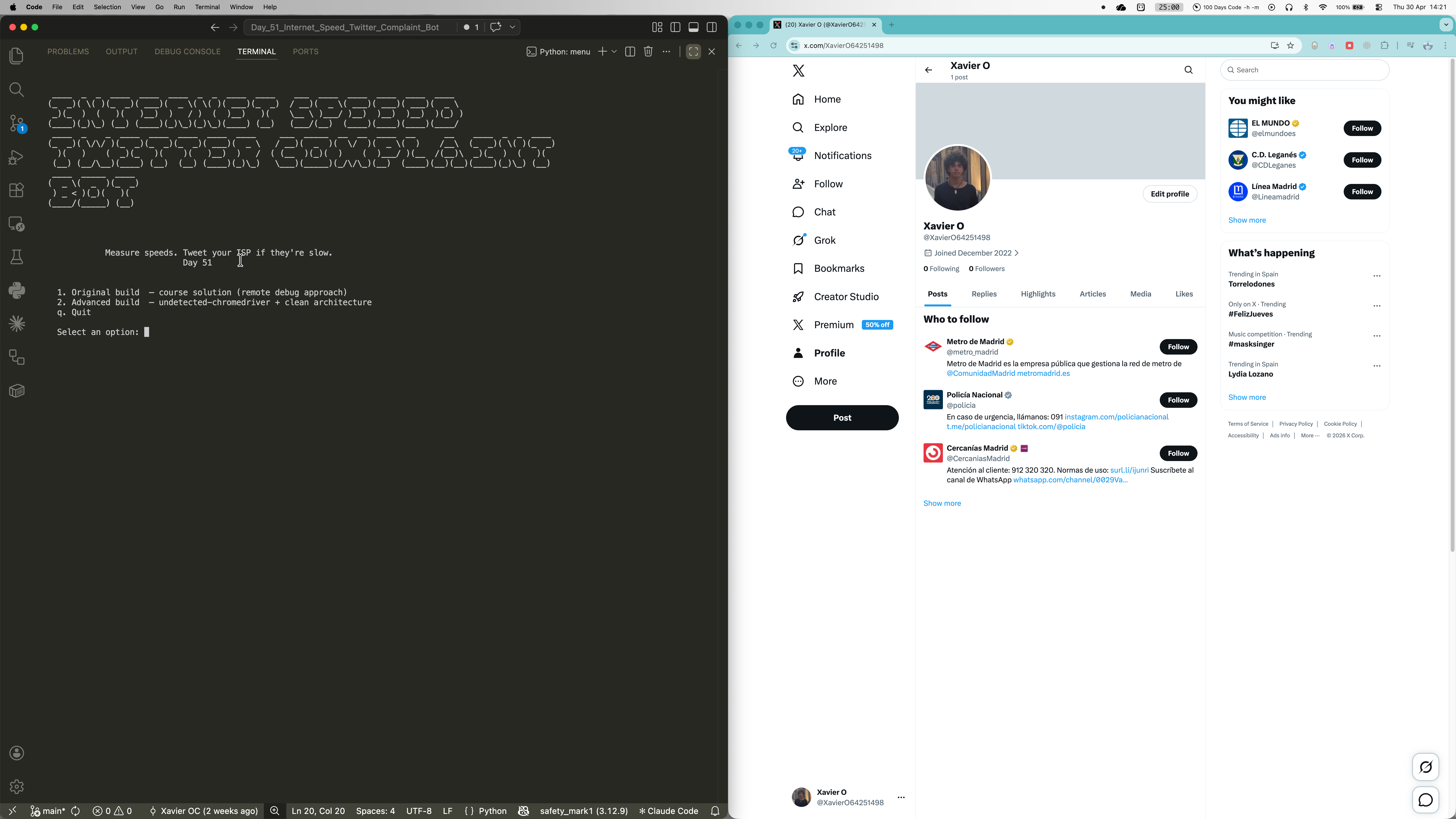
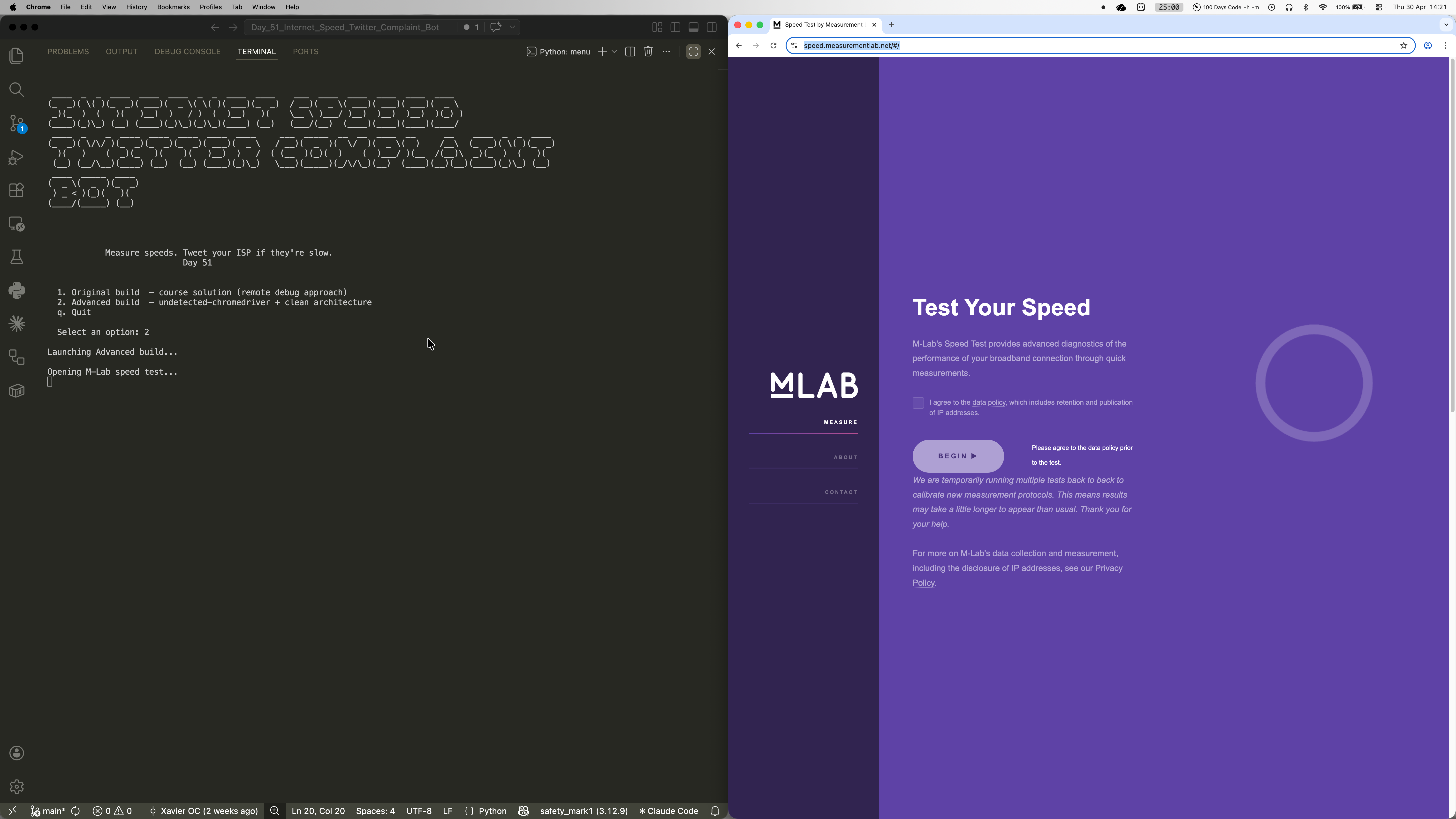
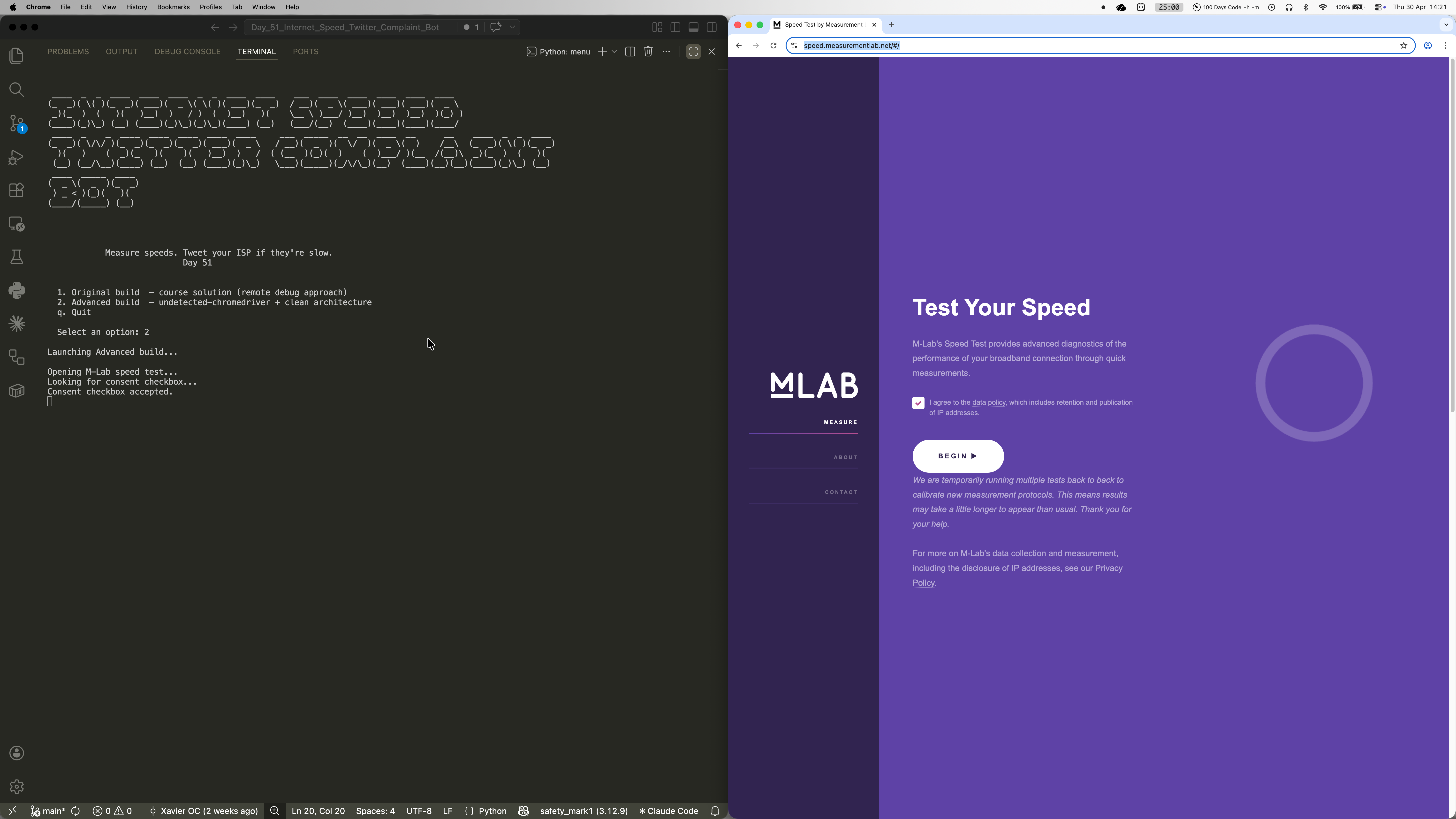
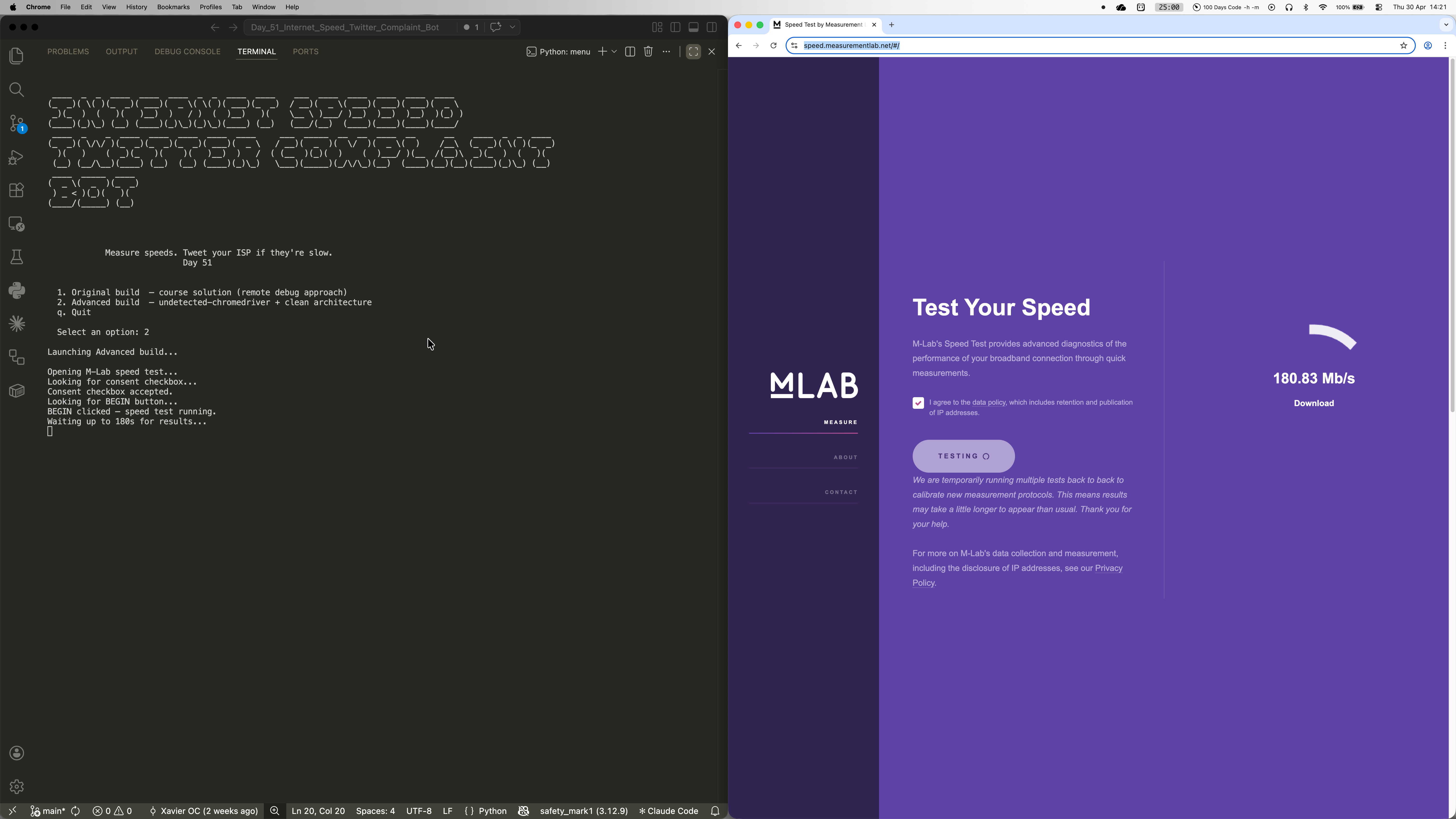
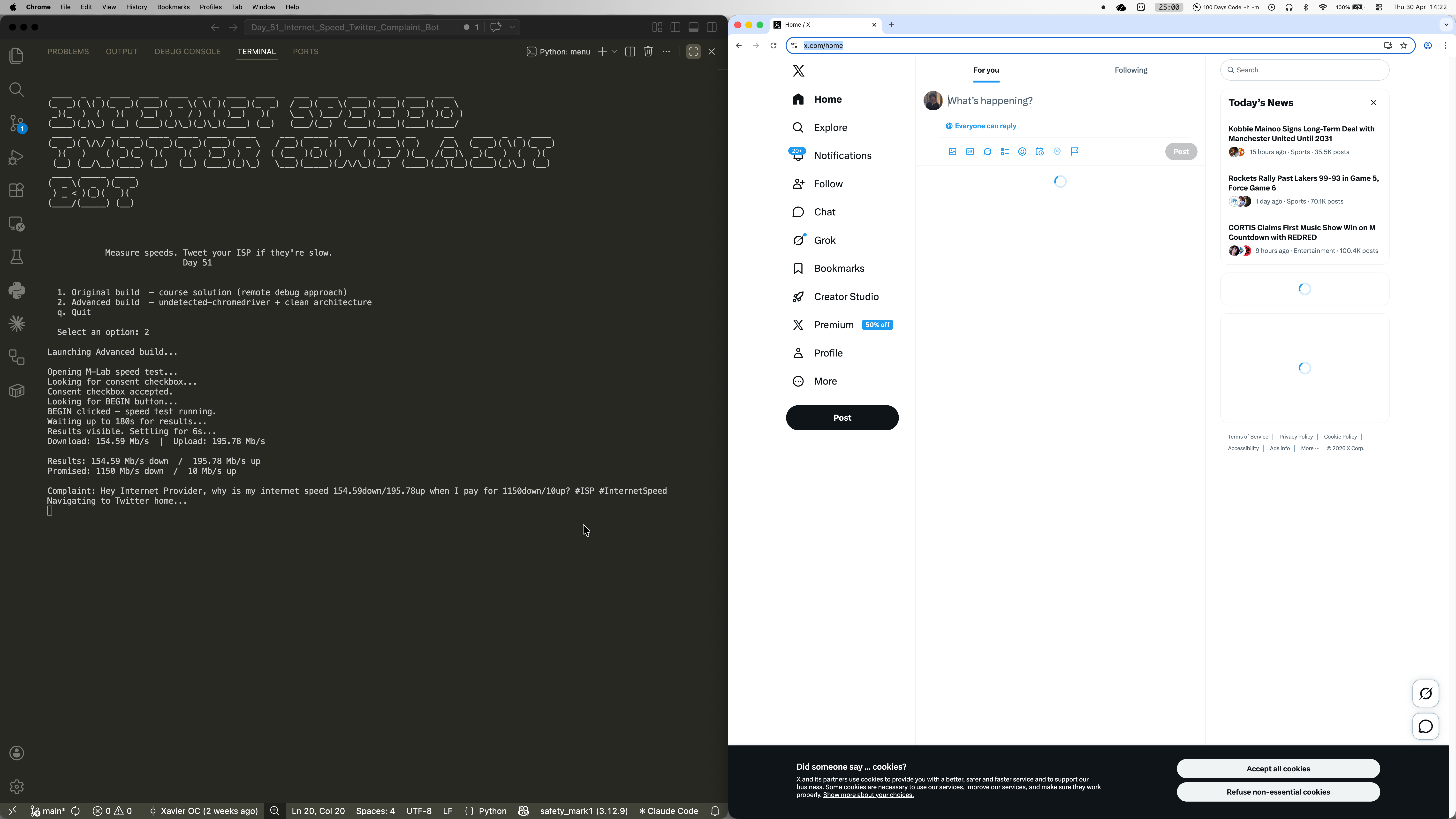
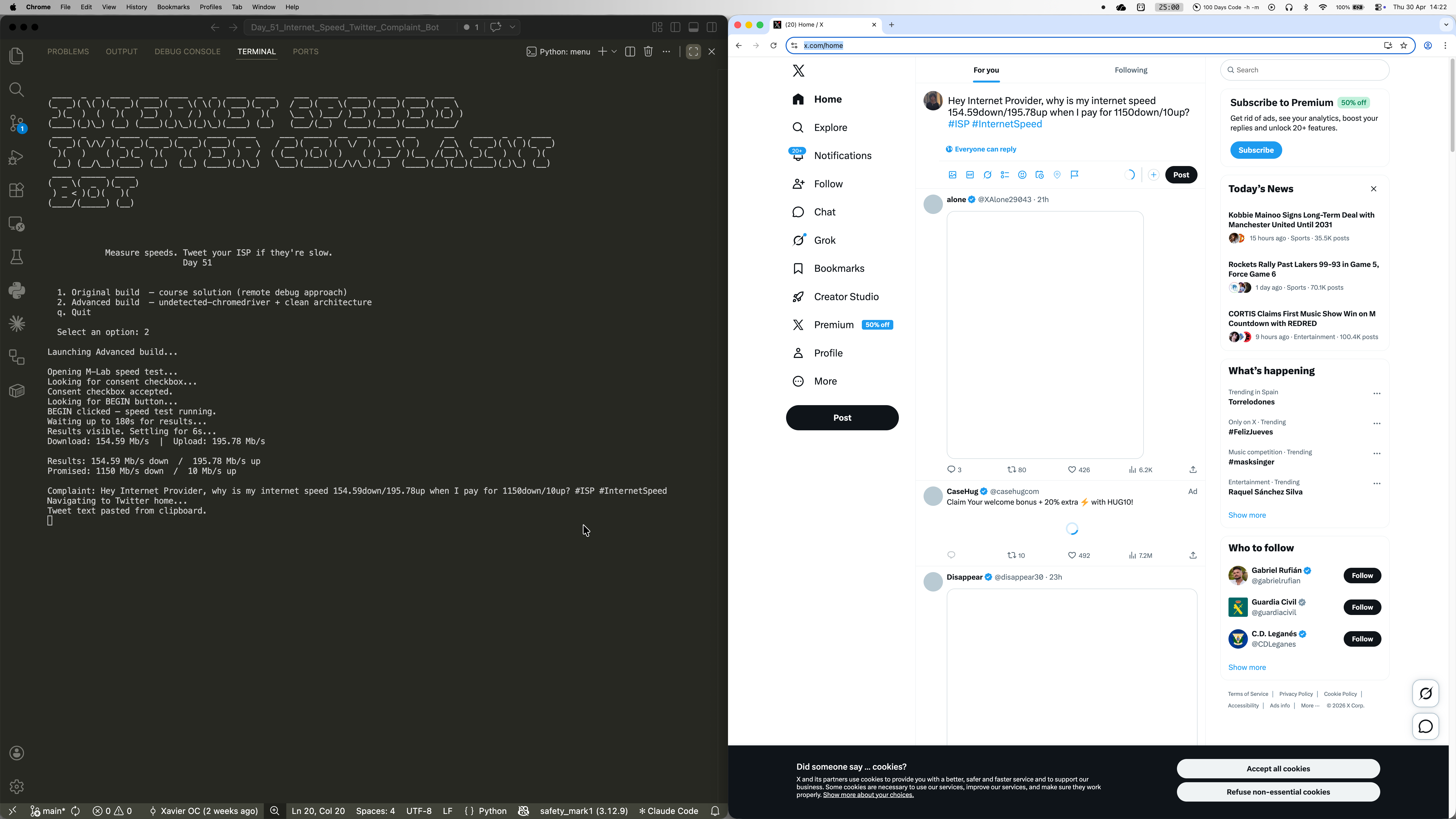
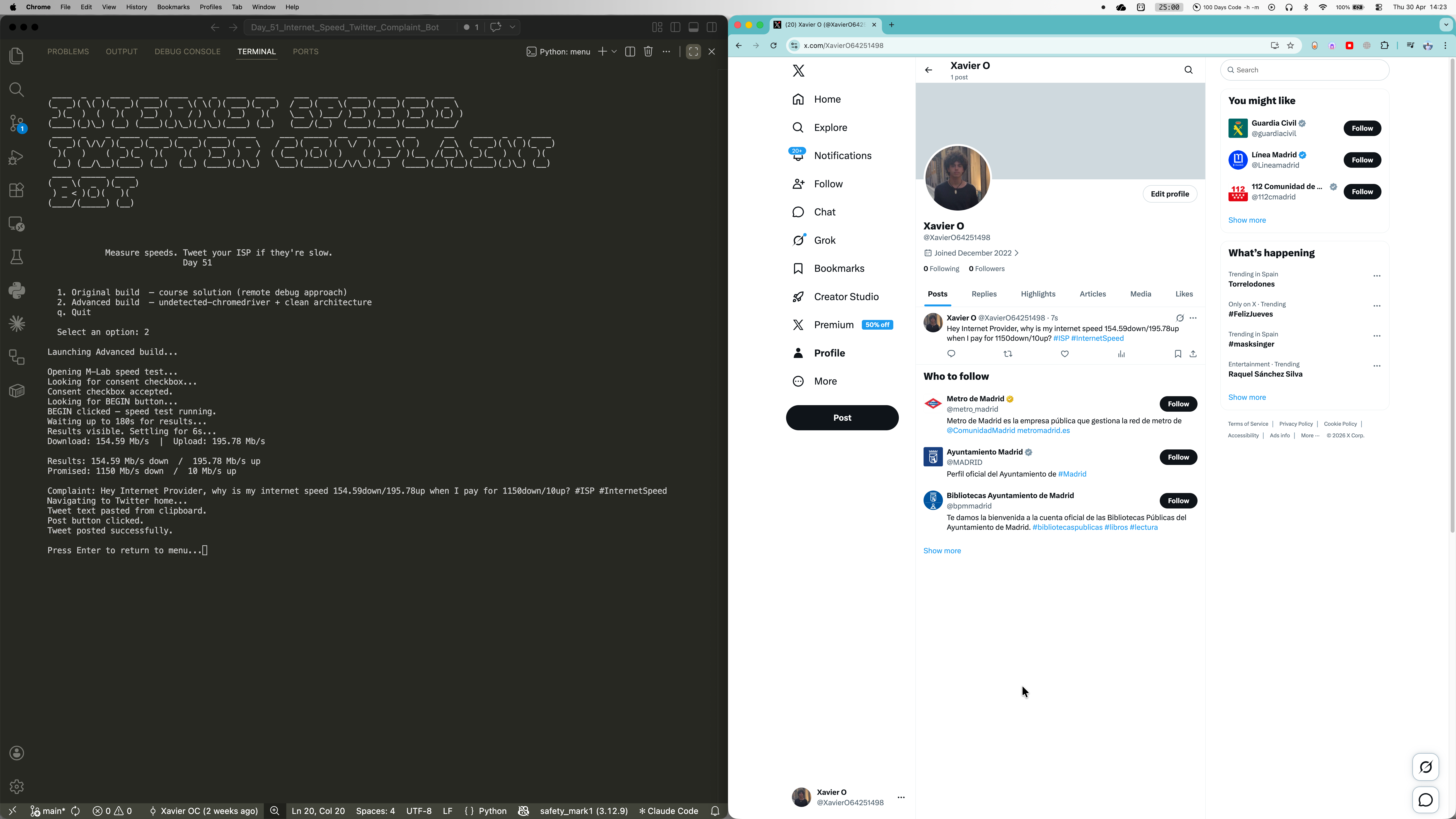
The bot chains two Selenium-driven browser flows in sequence. First, it opens M-Lab's NDT7 speed test page, accepts the data policy consent, clicks Begin, and waits up to three minutes for the results section to become visible before extracting download and upload figures directly from the results table. It then compares those figures against configurable thresholds in config.py, and only if either falls short does it navigate to Twitter/X, paste a formatted complaint into the tweet box via clipboard injection, and click Post. undetected-chromedriver handles bot-detection fingerprinting, and a persistent Chrome profile stores the Twitter session after the first manual login -- so every subsequent run is fully automatic with no credentials flying around.
Challenges
The biggest headache was that M-Lab and Twitter both change their DOM regularly, and hardcoded selectors break silently -- the bot just hangs for minutes with no output and no error. During development the M-Lab consent checkbox ID had already changed from the course's original `demo-human` to `privacyConsent`, and the results wait condition was looking for a span element containing "Results" text that no longer exists on the page. The other tricky issue was undetected-chromedriver's quiet incompatibility with `add_experimental_option("prefs", ...)` -- passing Chrome preferences that way causes UC to silently crash the browser window on startup, with no useful error message to point you in the right direction. The fix was a plain `--disable-notifications` argument, which UC handles without complaint. Both lessons led to the same architectural conclusion: centralise every selector in config.py so any breakage is a one-line fix rather than a source-dive.
Results / Metrics
This project was a really solid lesson in how fragile web automation is in practice -- sites update their DOM, bot-detection evolves, and something that worked last month might silently stop working today. The two-build structure (original course solution preserved alongside the refactored advanced version) makes it easy to see exactly what improved and why, which I think is genuinely useful as a learning artefact. The persistent Chrome profile pattern is something I'll absolutely carry into future Selenium projects -- it removes the hardest part of automating login-protected sites without touching credentials in code. If I were to take it further, I'd add a scheduler to run automatically every morning and a speed history log to spot patterns over time.
Screenshots
Click to enlarge.
Click to enlarge.